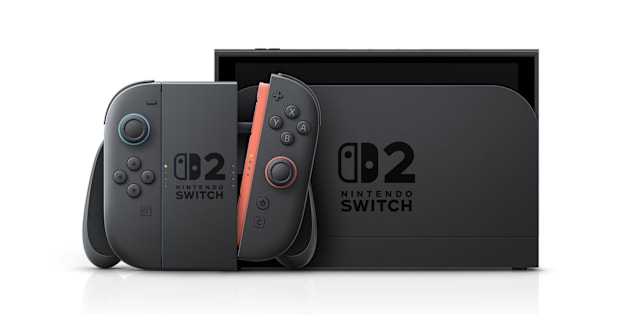
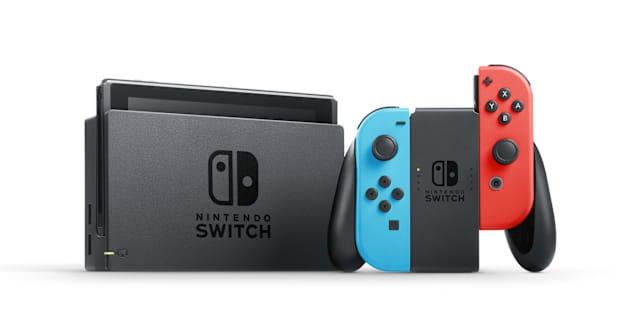
How to Link a Nintendo Account to a Nintendo Switch 2 or Nintendo Switch Console
Steps to connect a Nintendo Account to an existing user on Nintendo Switch 2 or Nintendo Switch.
Before you start
You will need a user on your console.
For more information, see How to Add a New User on Nintendo Switch 2 and How to Add a New User Account on Nintendo Switch.
Nintendo Accounts for children (age 15 and under) must be created through a supervising Nintendo Account. Once the child account has been created, it can be linked to a Nintendo Switch 2 or Nintendo Switch console.
Complete These Steps:
At any point after you have created a user, select System Settings on the HOME Menu.
Scroll down to highlight User, then select the appropriate user to access your User Settings.
Select Sign in to a Nintendo Account or Link to a Nintendo Account.
Do you have an existing Nintendo Account or do you need to create a new one?
Additional information
Once a Nintendo Account is linked to a user, you will have access to the console's online features.