Important information about compatibility of Nintendo Switch games with Nintendo Switch 2


Important information about compatibility of Nintendo Switch games with Nintendo Switch 2
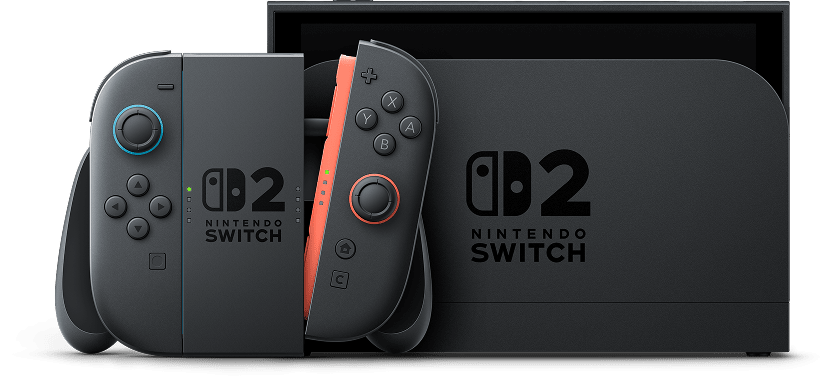
In addition to Nintendo Switch 2 games, Nintendo Switch 2 can play compatible physical and digital games released on Nintendo Switch.
Before purchasing Nintendo Switch games with the intention of using them on Nintendo Switch 2, please check the compatibility status using the search box below. Please also check the compatibility status before purchasing Nintendo Switch 2 with the intention of using your existing Nintendo Switch games.
The Nintendo Switch 2 console's hardware is different from that of Nintendo Switch, and some Nintendo Switch games may not be supported on or fully compatible with Nintendo Switch 2.
While future testing and updates may increase the number of supported titles, some games may take longer to become playable, may experience partial functionality issues, or may not be supported.
Please use the search box below to check whether a Nintendo Switch game is playable on Nintendo Switch 2.
Search compatibility status:
Games that require Nintendo Switch Joy-Con to play
The following games can’t be played with the Joy-Con 2 controllers that are included with Nintendo Switch 2. If you have Nintendo Switch Joy-Con controllers and connect them wirelessly to Nintendo Switch 2, you can play these games as you would on Nintendo Switch.
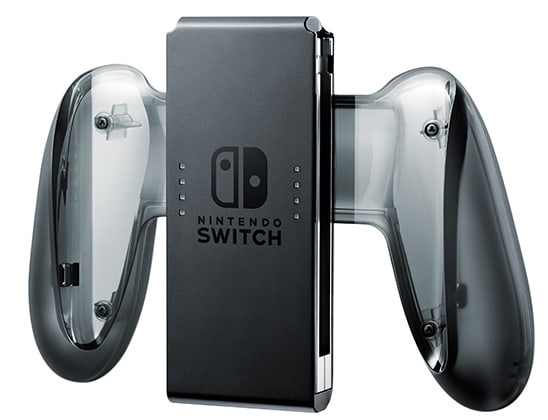
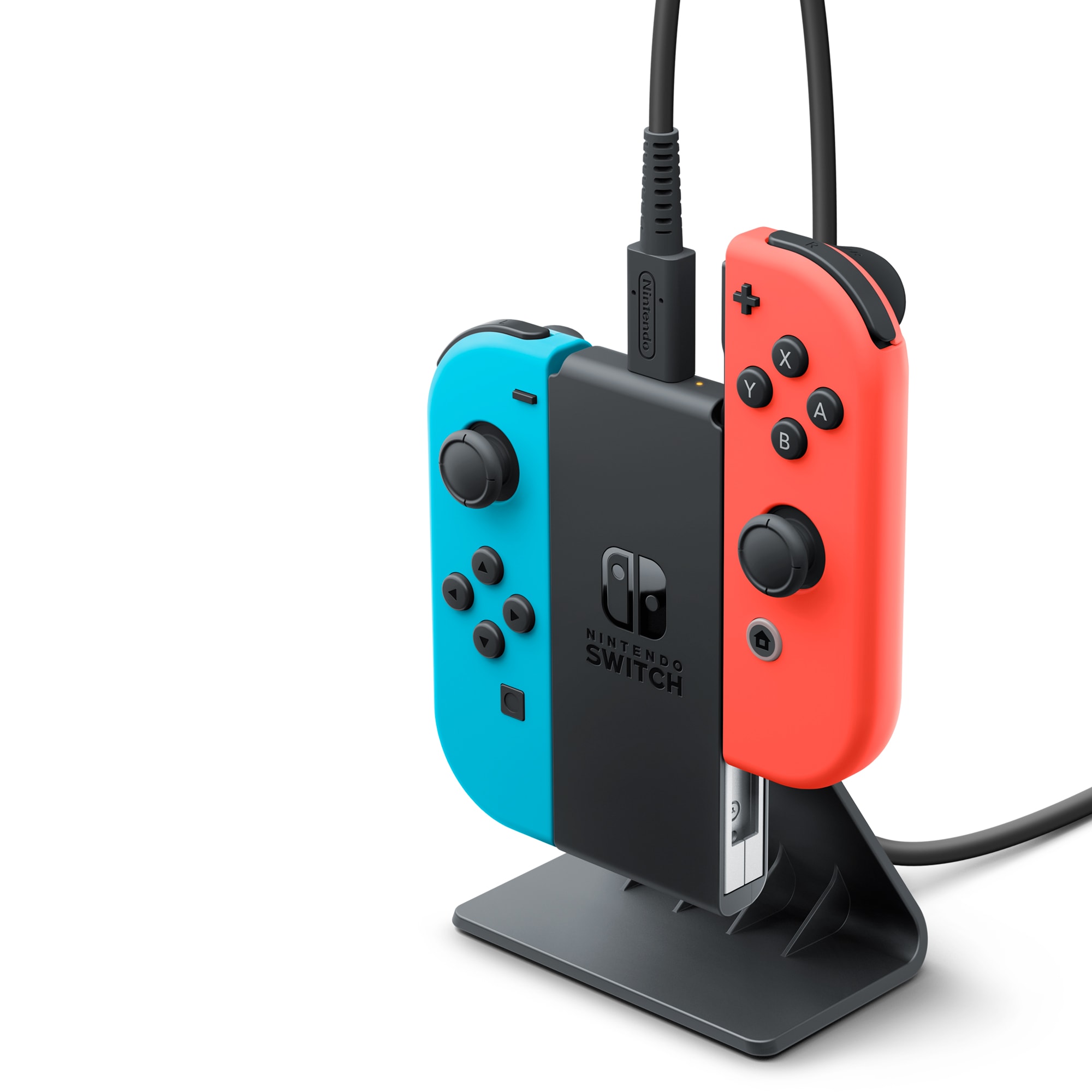
Please note: a Nintendo Switch console or an accessory such as a Joy-Con charging grip or Joy-Con charging stand (two-way) (each sold separately) is required to charge Nintendo Switch Joy-Con.
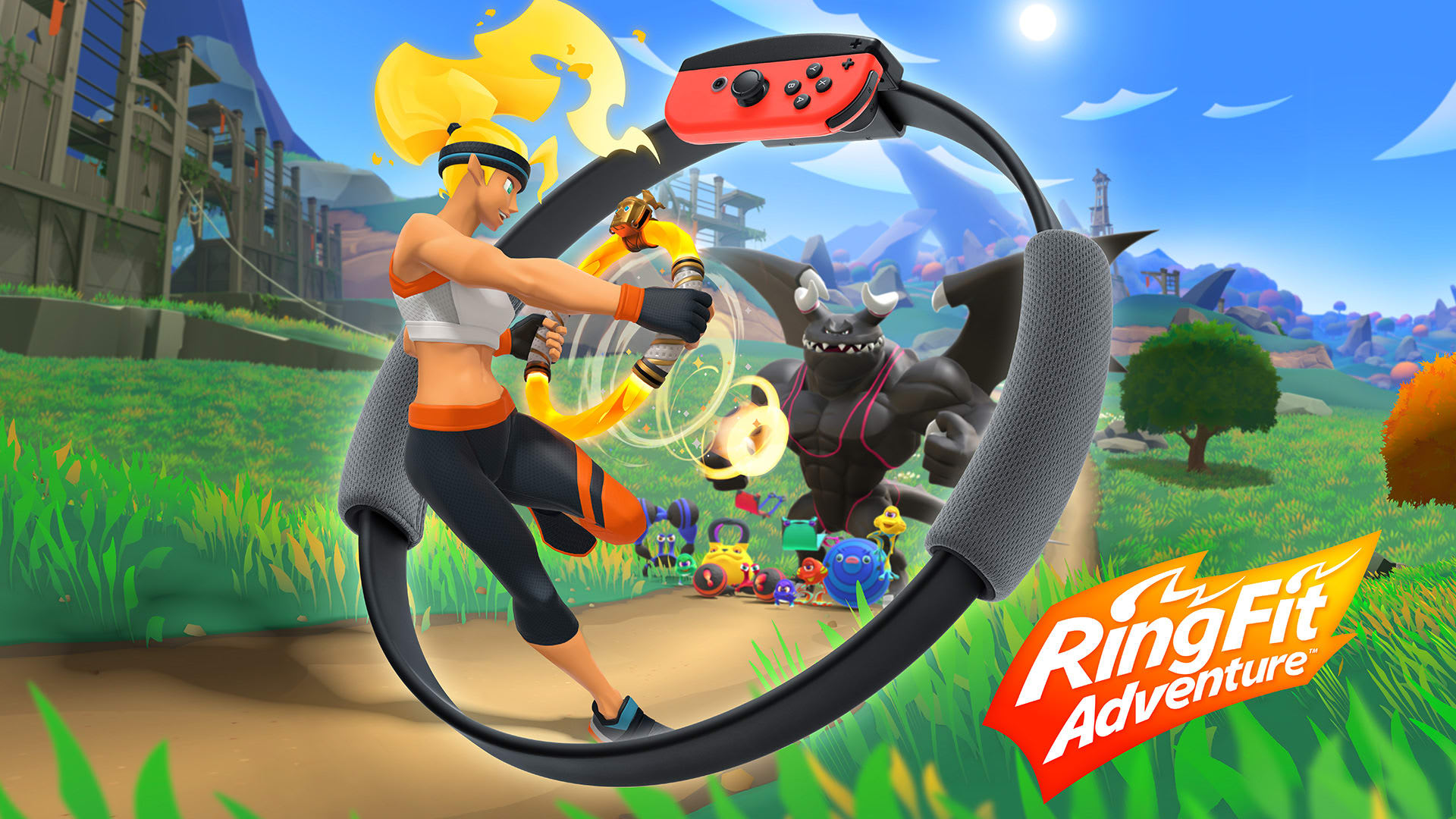
Ring Fit Adventure
Joy-Con 2 can’t be attached to the Ring-Con accessory that’s included with Ring Fit Adventure, but you can play on Nintendo Switch 2 by attaching Nintendo Switch Joy-Con to the Ring-Con. Joy-Con 2 do not fit in the leg strap.
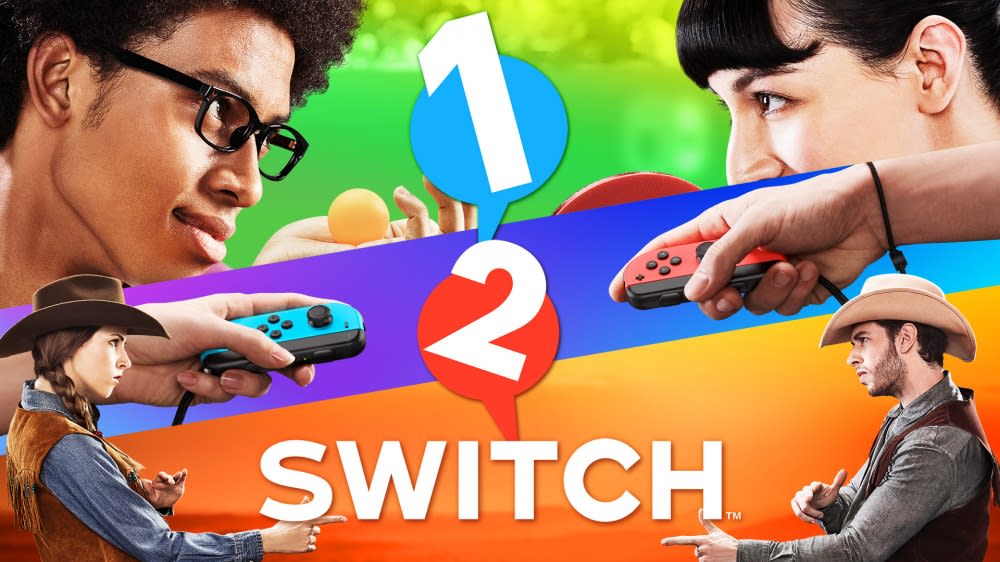
1-2-Switch™
Joy-Con 2 controllers don’t include an IR Motion Camera, as is featured on the Nintendo Switch Joy-Con (R), so it’s only possible to play games that use this feature if you wirelessly connect a Nintendo Switch Joy-Con (R).
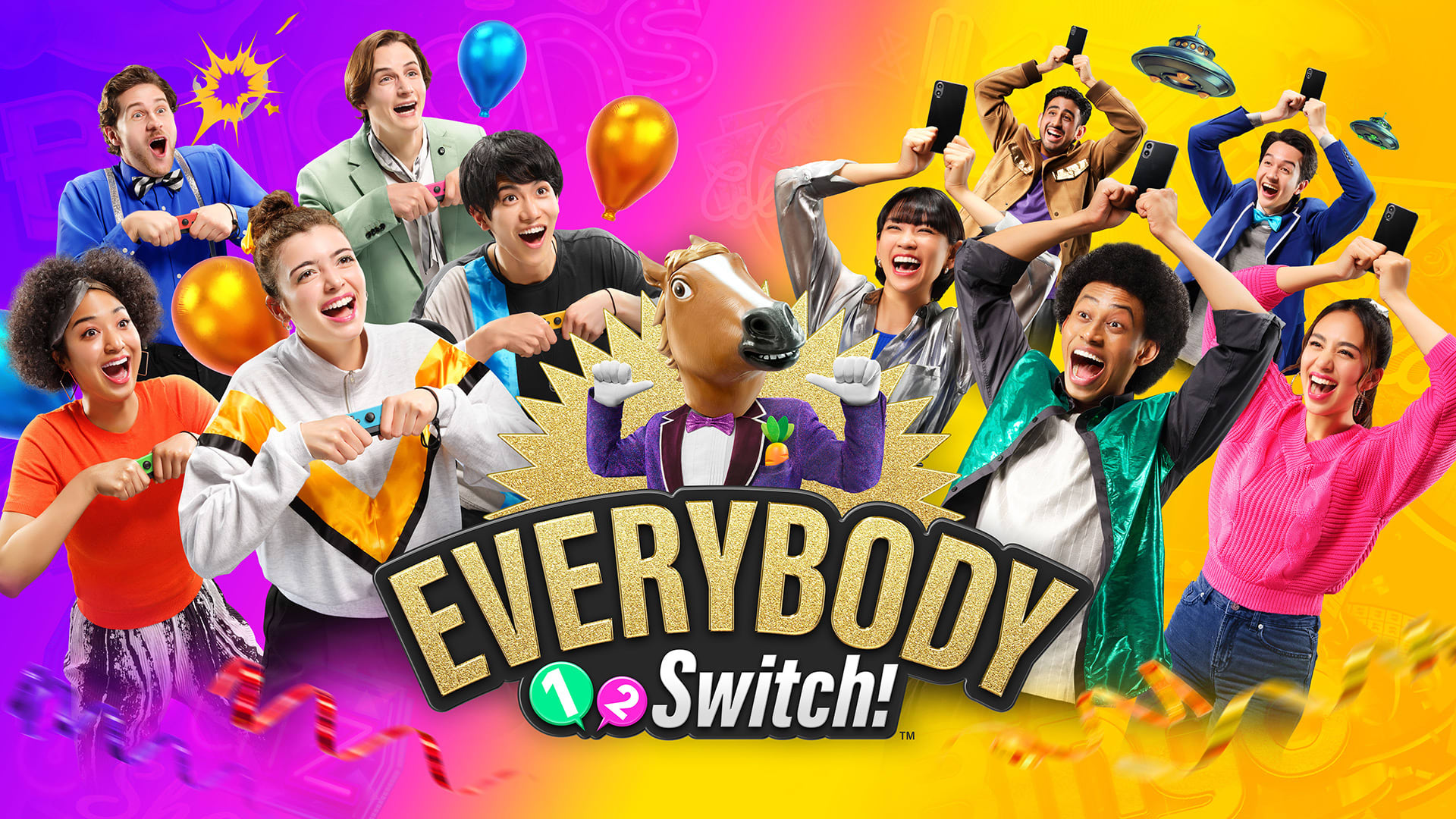
Everybody 1-2-Switch!™
The volume of the Joy-Con 2 controllers' force feedback vibrations has been reduced compared to the Nintendo Switch Joy-Con controllers, so it may be more difficult to find hidden Joy-Con 2 in the minigame Joy-Con Hide & Seek.
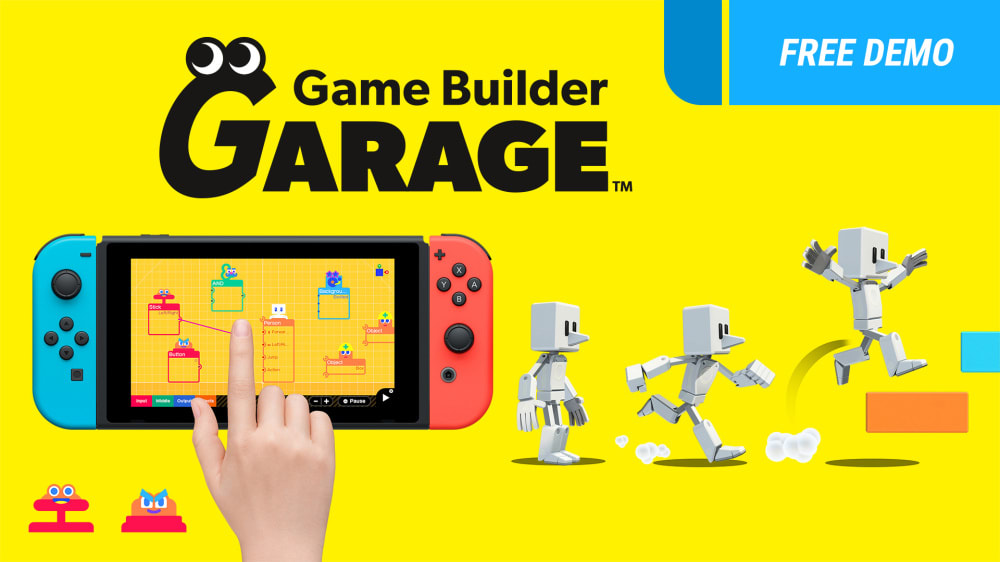
Game Builder Garage
Joy-Con 2 controllers don’t include an IR Motion Camera, as is featured on the Nintendo Switch Joy-Con (R), so it’s only possible to use the IR Motion Camera Nodon or IR-Light Nodon in the Free Programming mode if you wirelessly connect a Nintendo Switch Joy-Con (R).
Dr Kawashima's Brain Training for Nintendo Switch
Joy-Con 2 controllers don’t include an IR Motion Camera, as is featured on the Nintendo Switch Joy-Con (R), so it’s only possible to play the Finger Calculations, Finger Drills and Rock, Paper, Scissors Test modes if you wirelessly connect a Nintendo Switch Joy-Con (R).
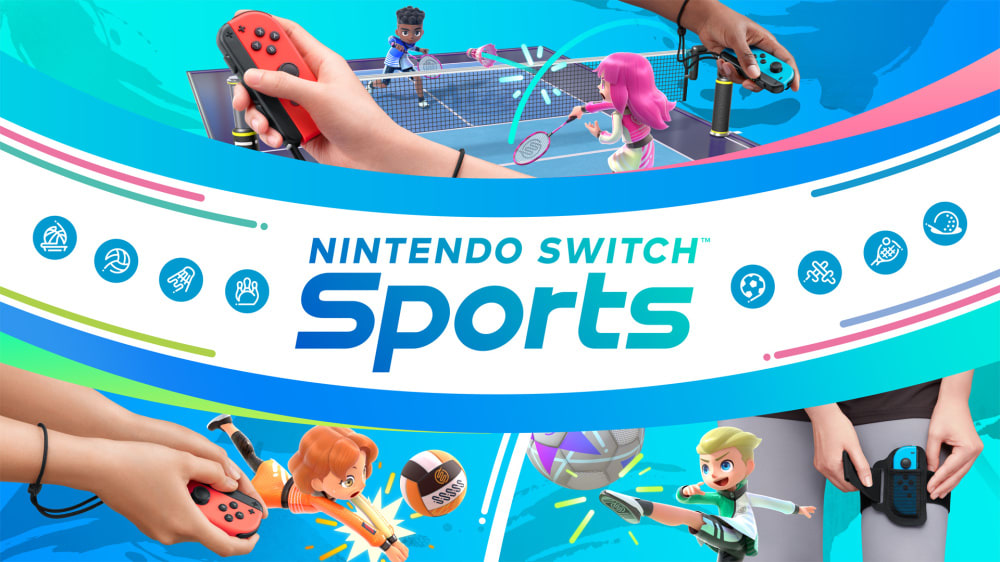
Nintendo Switch Sports
Joy-Con 2 controllers do not fit inside the leg strap accessory, so it’s only possible to play the Soccer Shoot-Out mode using a Nintendo Switch Joy-Con.
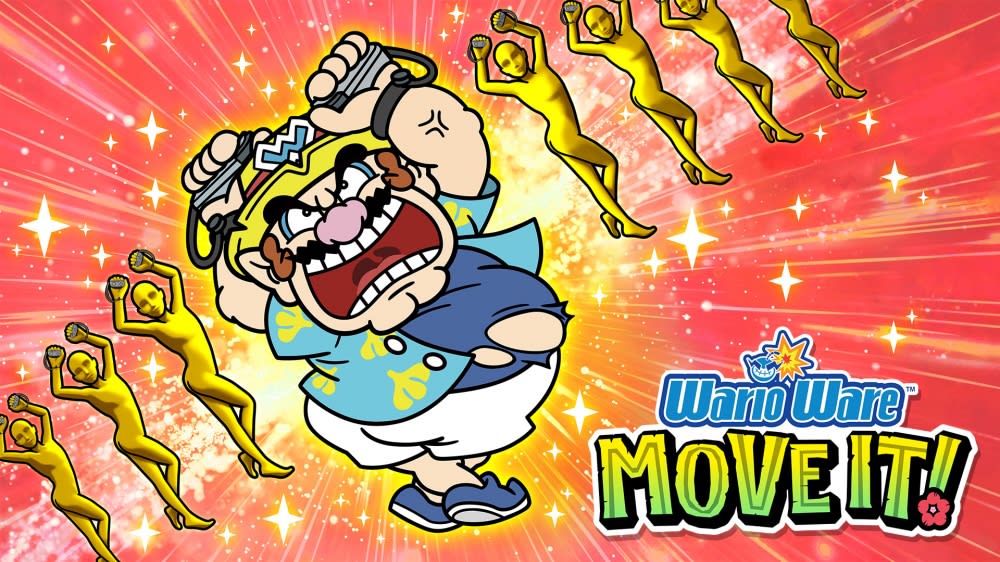
WarioWare™: Move It!
Joy-Con 2 controllers don’t include an IR Motion Camera, as is featured on the Nintendo Switch Joy-Con (R), so it’s only possible to play microgames that use this feature if you wirelessly connect a Nintendo Switch Joy-Con (R).
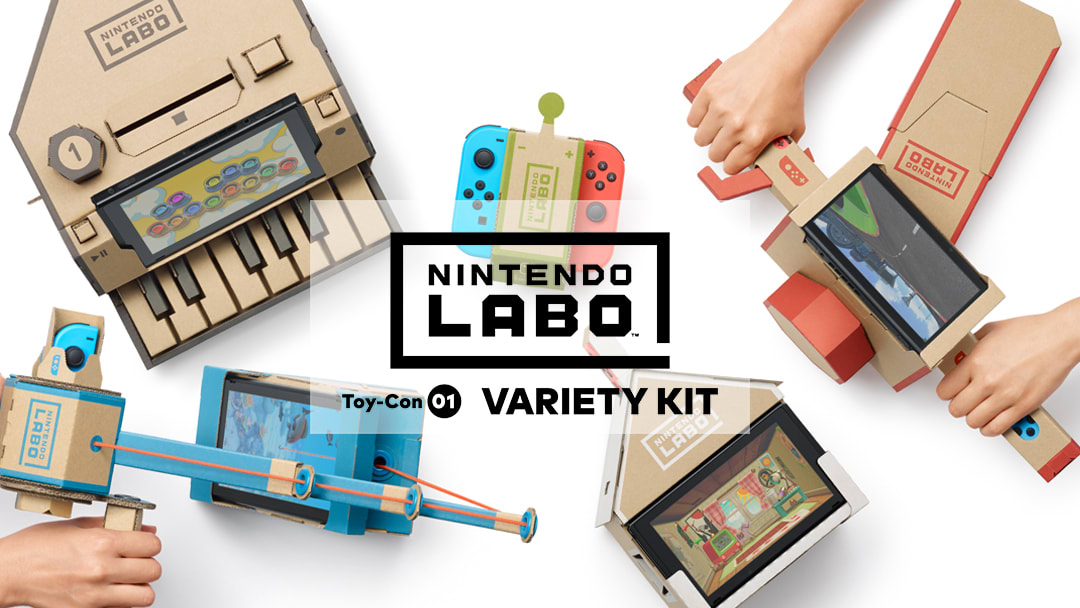
Nintendo Labo Toy-Con 01: Variety Kit
While Nintendo Switch Joy-Con can be used with the included Toy-Con accessories, the Nintendo Switch 2 console cannot be placed in the Fishing Rod, Motorbike, Piano or House Toy-Con accessories, nor can the RC Car Toy-Con accessory's antenna be attached to the Nintendo Switch 2 console, so it will differ from the original game experience.
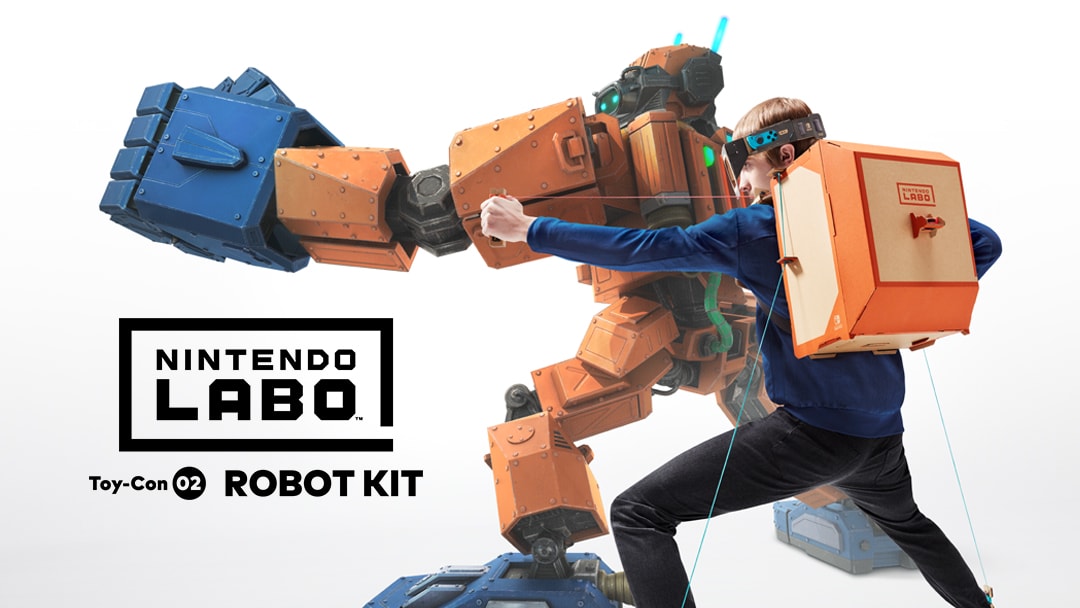
Nintendo Labo Toy-Con 02: Robot Kit
Joy-Con 2 can’t be attached to the Toy-Con Robot accessory, but if you have Nintendo Switch Joy-Con you can play this title on Nintendo Switch 2.
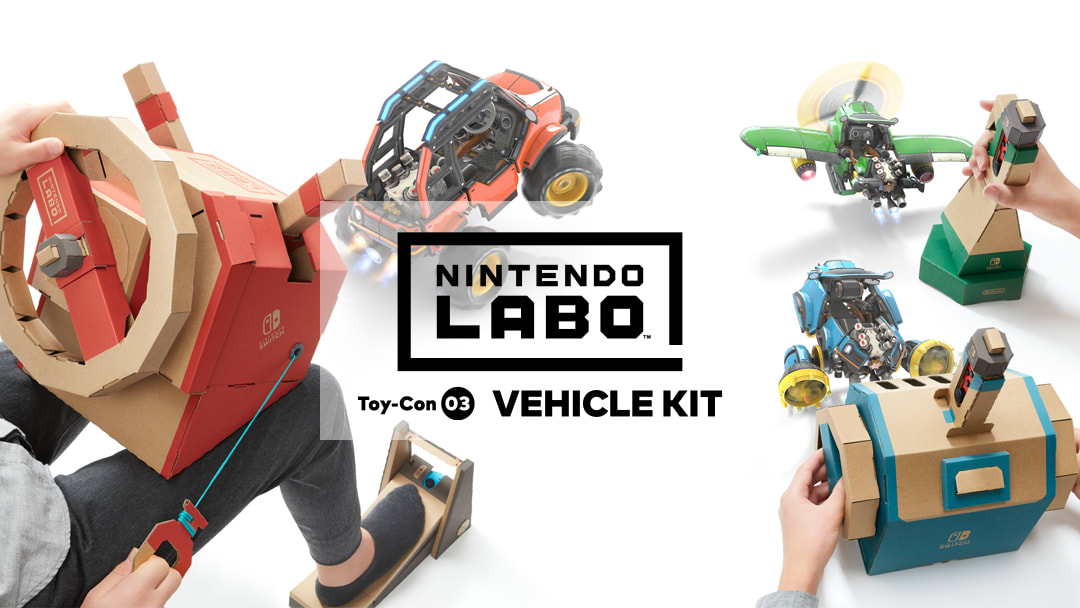
Nintendo Labo Toy-Con 03: Vehicle Kit
While Nintendo Switch Joy-Con can be used with the included Toy-Con accessories, the Nintendo Switch 2 console cannot be placed in the screen stand included with this title, so it will differ from the original game experience.
How to charge Nintendo Switch Joy-Con
As Nintendo Switch Joy-Con cannot be attached to the Nintendo Switch 2 console, it’s not possible to charge them on Nintendo Switch 2. A Nintendo Switch console or accessory such as a Joy-Con charging grip or Joy-Con charging stand (two-way) is required.