Shop online
Earn My Nintendo points
Save a wishlist

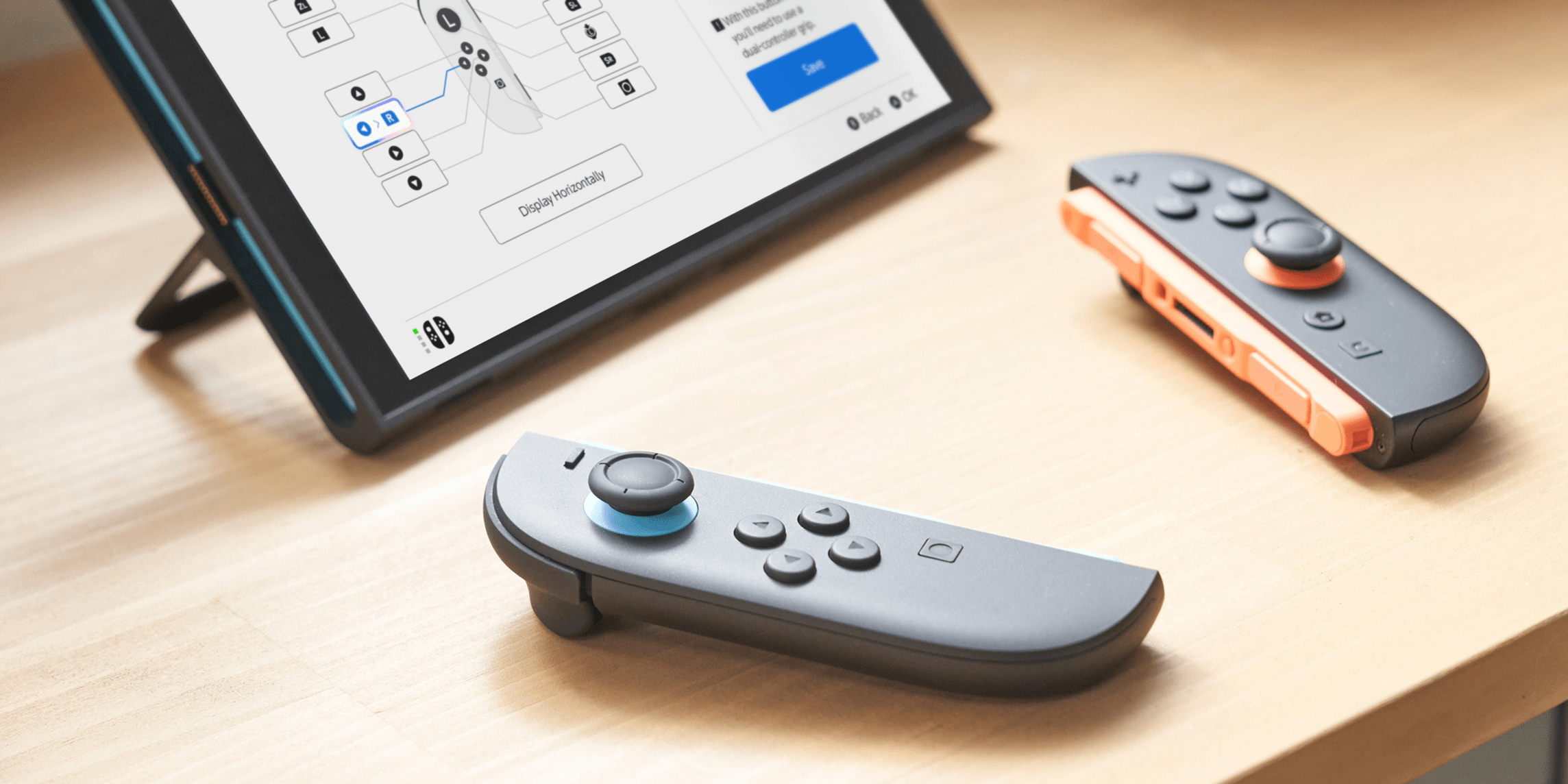
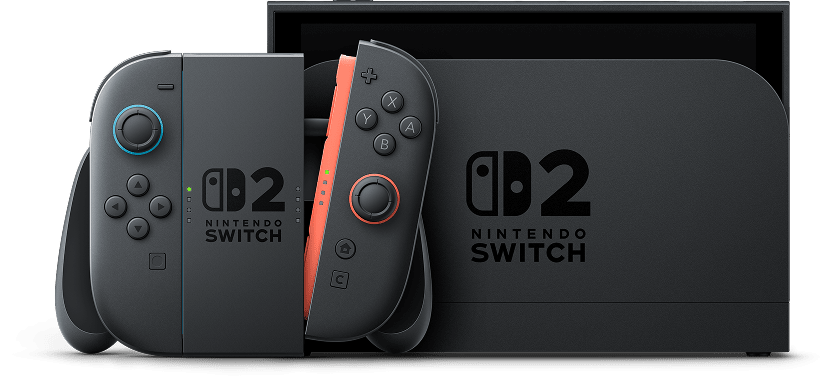
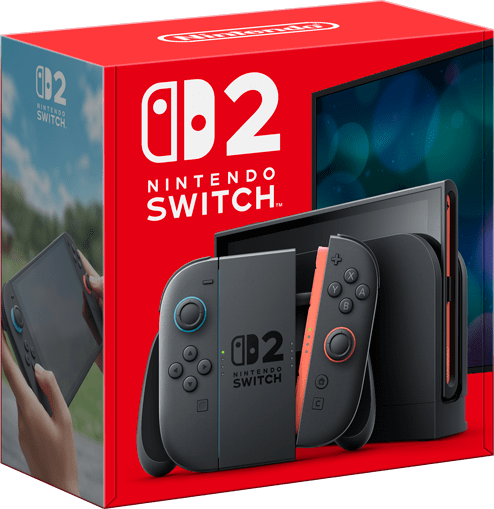
The Nintendo Switch™ 2 system's accessibility settings include a variety of options to support different types of players and individual needs.
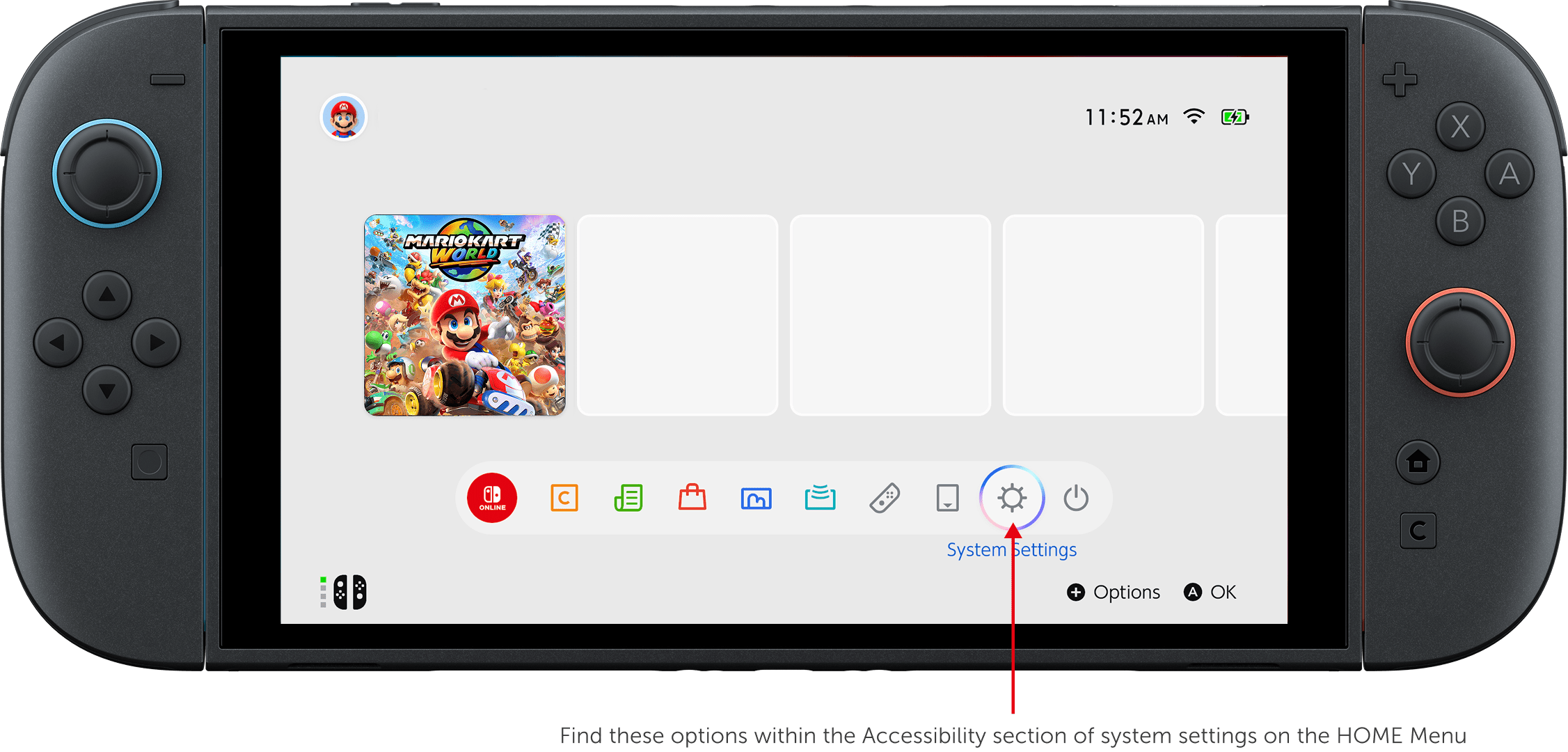
You can choose between three different options for Text Size, as well as enable Bold Text.
You can change the button mapping on each controller to your liking. Save your favourite settings and use them anytime. You can also choose to add Button Mapping as an option in Quick Settings (hold the HOME Button).
You can change the colours the system uses.
There are three options: Grayscale, Invert Colours, or no change. You can also enable High Contrast to increase the screen contrast for the HOME Menu or system settings.
Quickly press the HOME Button on the controller twice to enlarge the screen display.
You can change the audio to monaural output.
This feature reads out on-screen text in the HOME Menu and system settings. In addition to on-screen text, the feature reads out information that assists with operations, such as the cursor's position. You can also set different voice types, reading speeds, and volume levels.
Voices of other members in the chat room can be displayed as text.
You can send text entered on a keyboard as audio to other GameChat members.
Additional games, systems and/or accessories may be required for multiplayer mode. Internet, Nintendo Switch Online membership and Nintendo Account required for online features, including GameChat. Terms and GameChat requirements apply. nintendo.com/au/switch-online/. Games, systems, some accessories and membership sold separately. Some languages may not be supported.