Shop online
Earn My Nintendo points
Save a wishlist
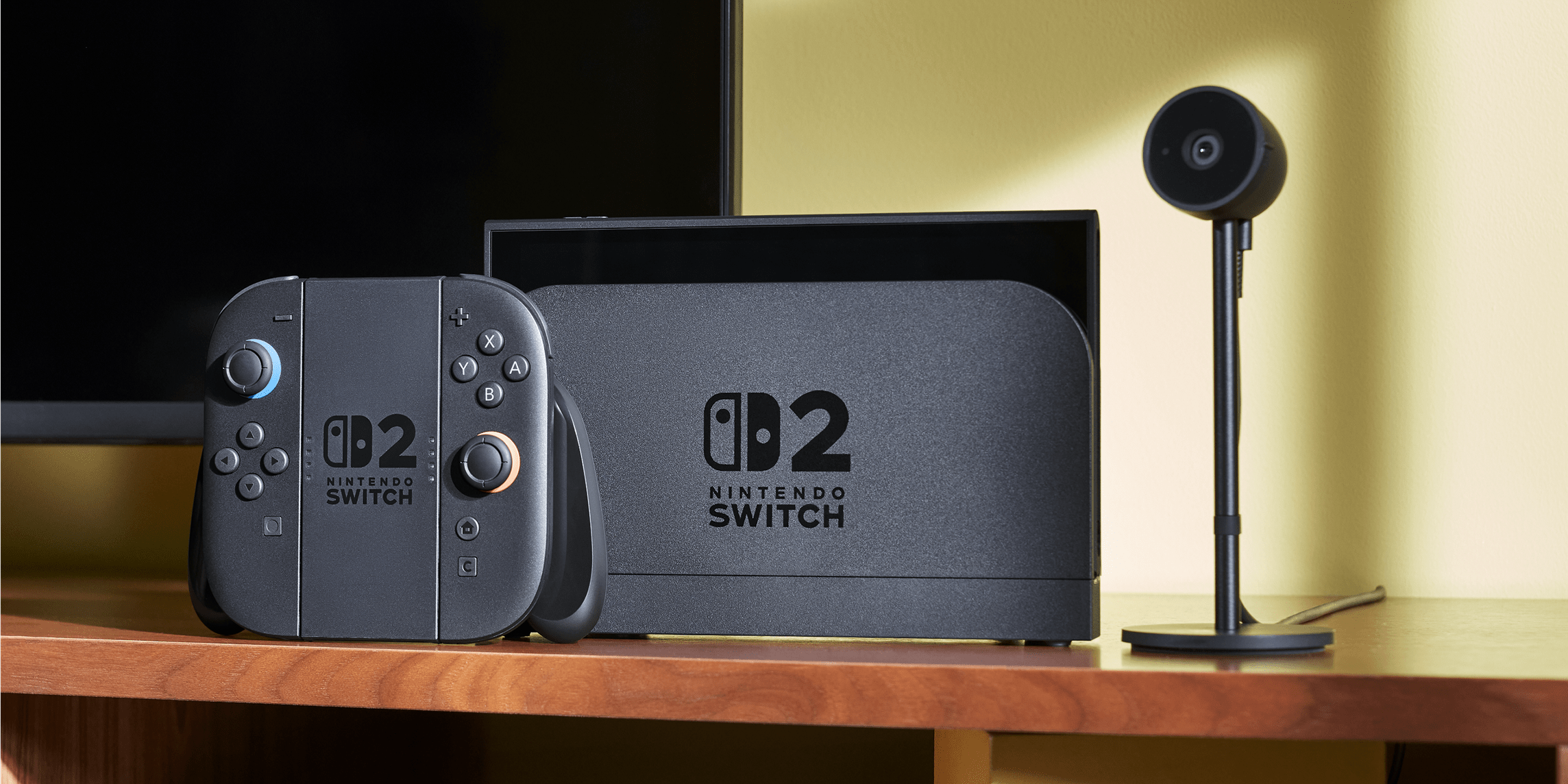
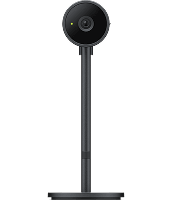
Once GameChat is set up, connect a compatible USB-C® camera, like the Nintendo Switch™ 2 camera accessory (sold separately), to the Nintendo Switch 2 system to enjoy features like video chat with friends or having your image appear in-game in compatible titles.
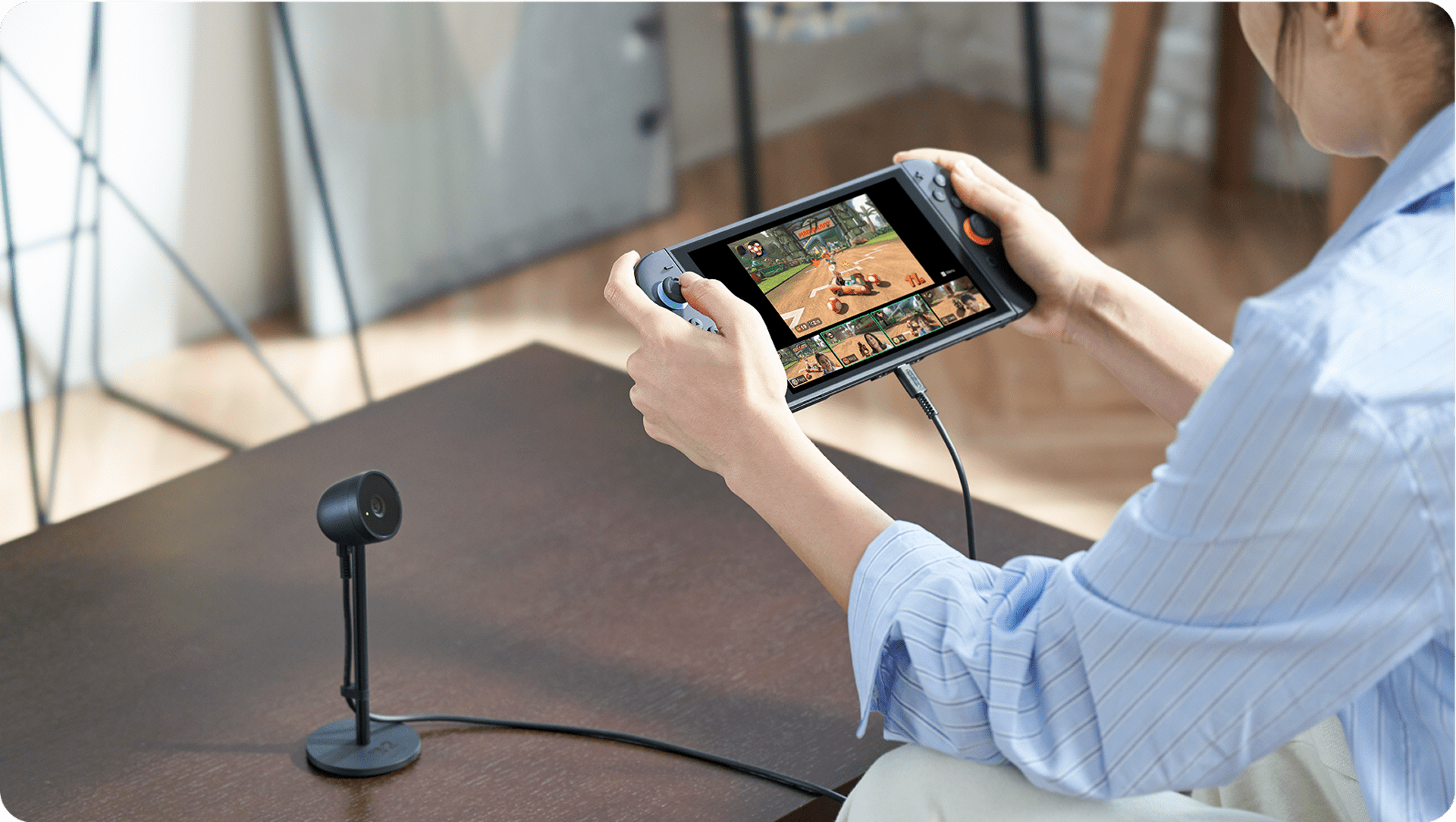
GameChat lets you bring everyone together. Plug in a compatible USB-C® camera to see everyone's faces as they scream, cheer, or laugh through your favourite online games. Up to four people can participate in a video chat.
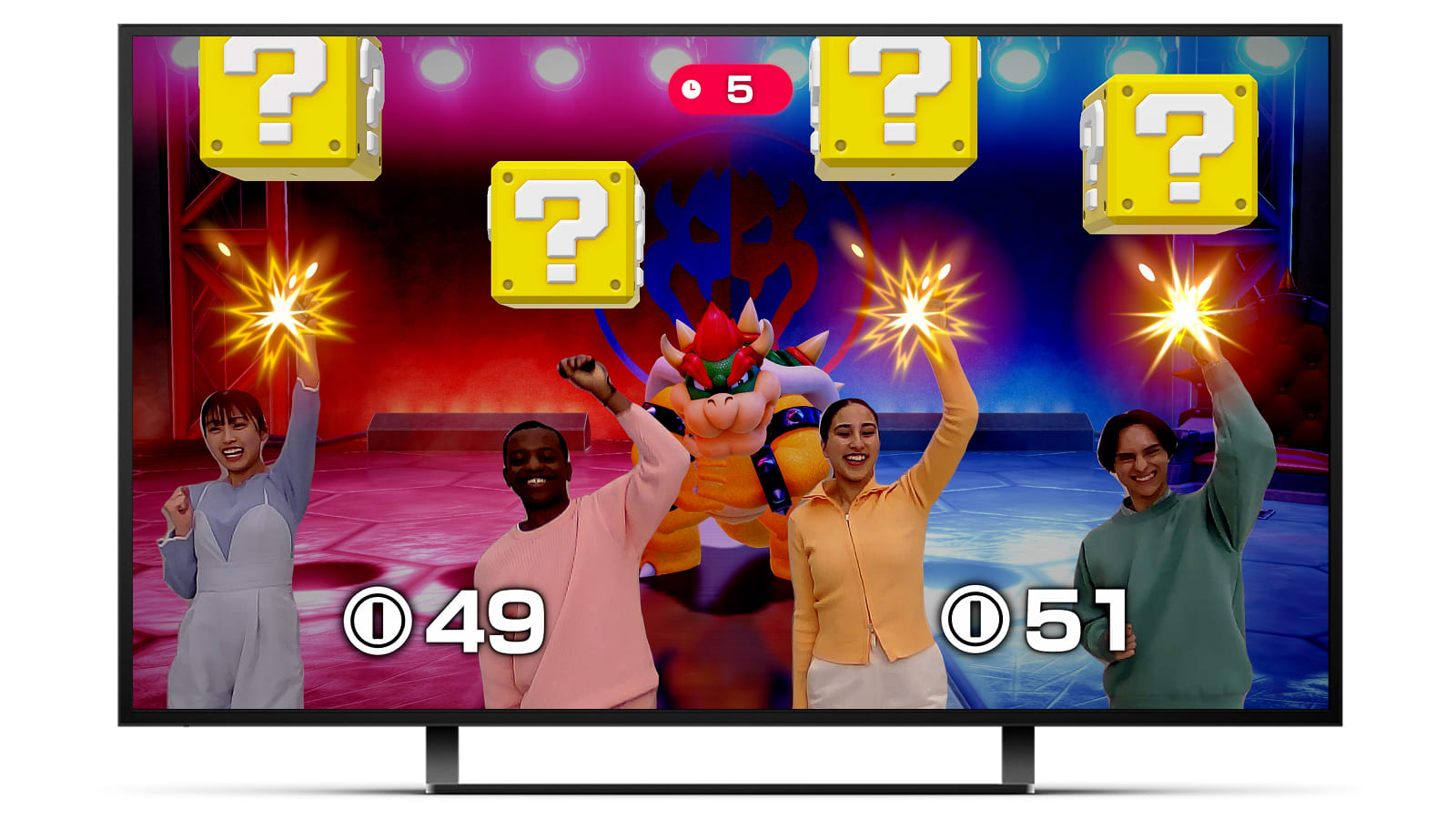
Put your image into compatible games with CameraPlay.
Use the camera to enjoy full-body motion control or other fun features alongside family and friends through GameChat. Supported features vary by game.
You can use the Nintendo Switch 2 camera accessory (sold separately) or any compatible USB-C® camera you'd like.
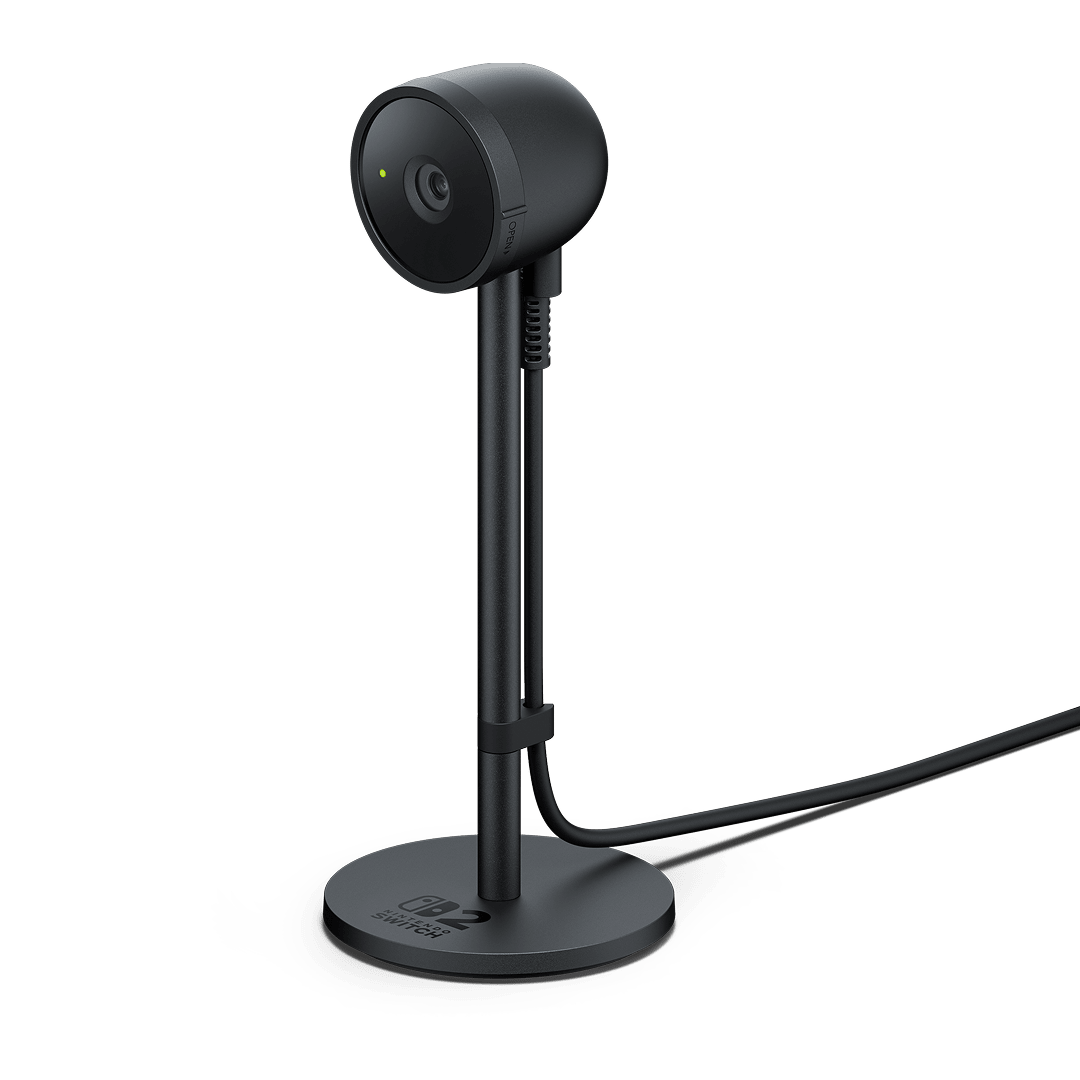
Whether in TV mode, tabletop mode, or handheld mode, simply plug this into the USB-C® port on top of the system to get started with video features.
Its compact size makes the camera easy to move and place where you need it to be. The wide-angle lens can be freely adjusted to get everyone in on the action, no matter the room size. Plus, a highly sensitive image sensor can adjust the brightness automatically to detect faces.
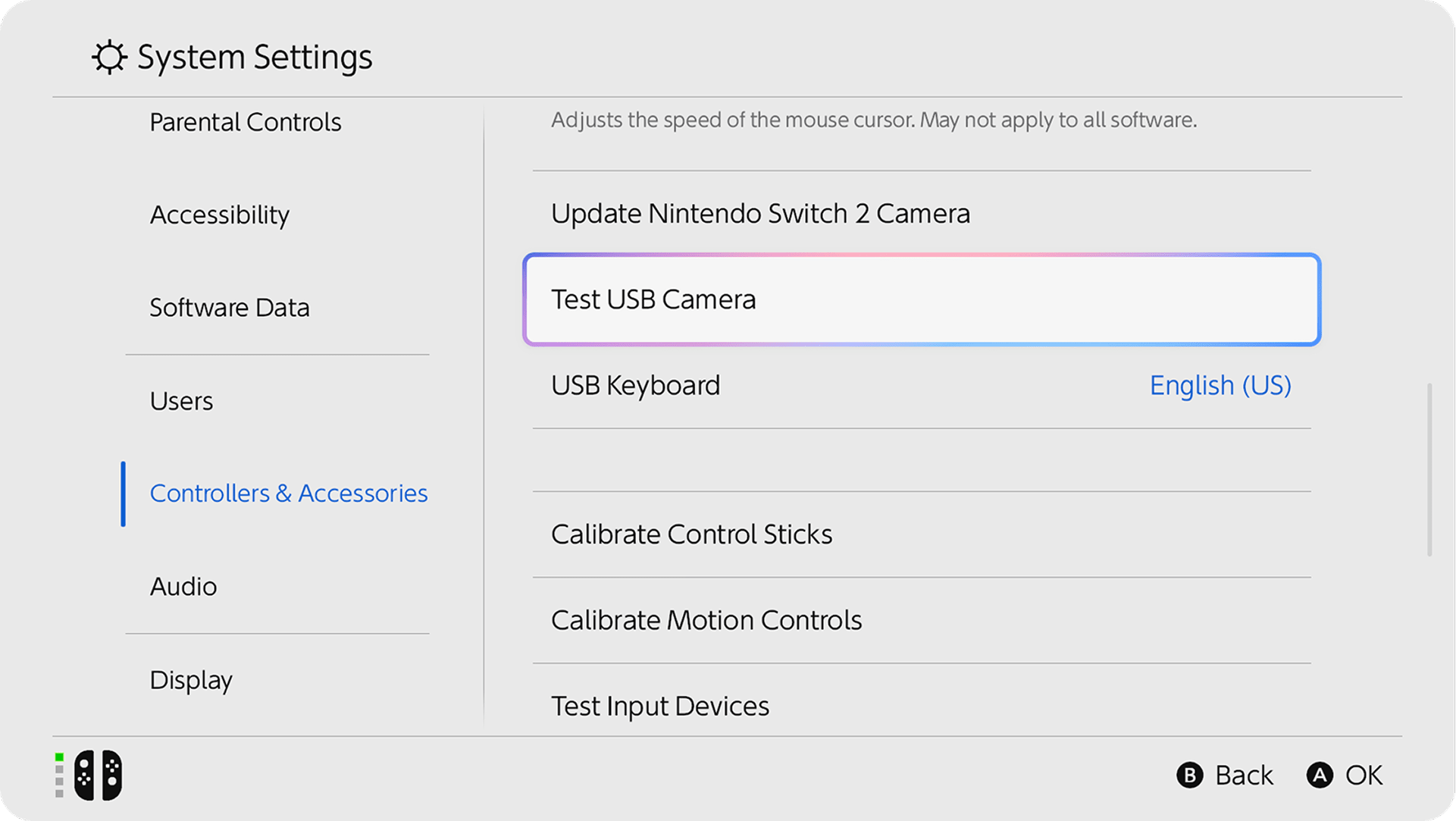
You may be able to use a USB-C® camera accessory you already own. However, not all cameras may work as intended. You can easily check compatibility using the Test USB Camera feature located in the Nintendo Switch 2 system settings.
Additional games, systems and/or accessories may be required for multiplayer mode. Internet, Nintendo Switch Online membership and Nintendo Account required for online features, including GameChat. Compatible USB camera required for video features. Not available in all countries. Terms and GameChat requirements apply. nintendo.com/au/support Games, systems, memberships and some accessories sold separately.