The Nintendo Switch 2 Console Cannot Find Your Wireless Network
This article can help when:
You can't connect your Nintendo Switch 2 console online because your wireless network was not found.
After searching for wireless networks, your network is not listed under "Found Networks."
The MAC address on the system is displayed primarily as zeroes.
Before you start
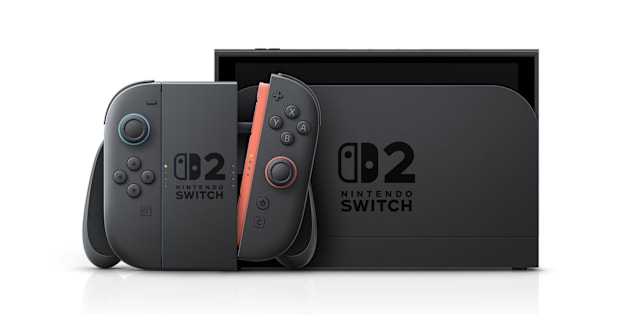
Remove your Nintendo Switch 2 console from the dock and bring it within 10 to 15 feet of the wireless router to improve signal strength during troubleshooting.
Possible solutions
Select System Settings from the HOME Menu.
Select Internet, and then Internet Settings. Your console will automatically search for nearby wireless network signals.
Follow the path below based on what networks you see.