How to Transfer Your Save Data To a Nearby Console
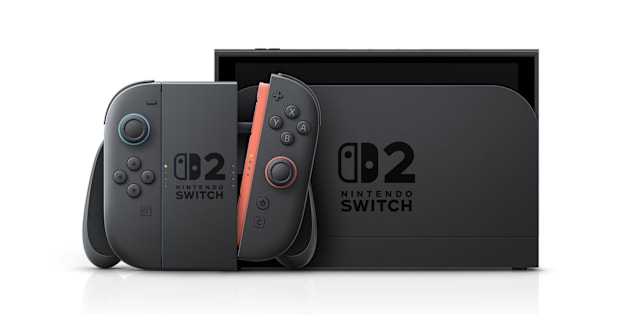
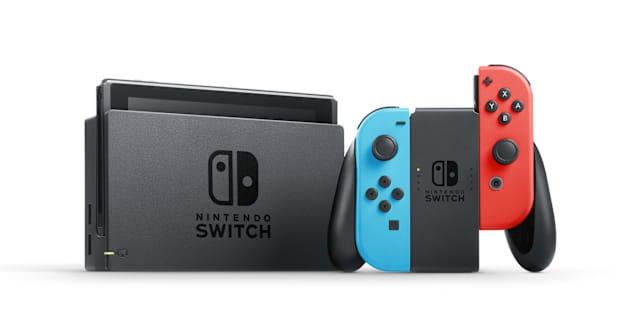
Follow these steps to move a user's save data for individual or multiple games from one console to another, for both Nintendo Switch 2 and Nintendo Switch.
Important:
A Nintendo Switch Online membership is not required to use this feature.
Before you start
You will need:
The console to transfer save data from
The console to transfer save data to
An internet connection
Note:
Both consoles must be connected to the internet.
The same Nintendo Account must be linked to a user on both consoles to transfer save data. Save data can only be transferred between users that are linked to the same Nintendo Account.
The consoles must be placed near each other.
Save data for compatible software can be transferred between a Nintendo Switch 2 console and Nintendo Switch console.
Complete These Steps:
1. Prepare to send the save data on the source console.
What is your source console?
2. Receive the save data on the target console.
What is your target console?