How to Test the Controller Buttons on Nintendo Switch
Select System Settings from the HOME Menu.
Select Controllers and Sensors.
Select Test Input Devices.
Select Test Controller Buttons.
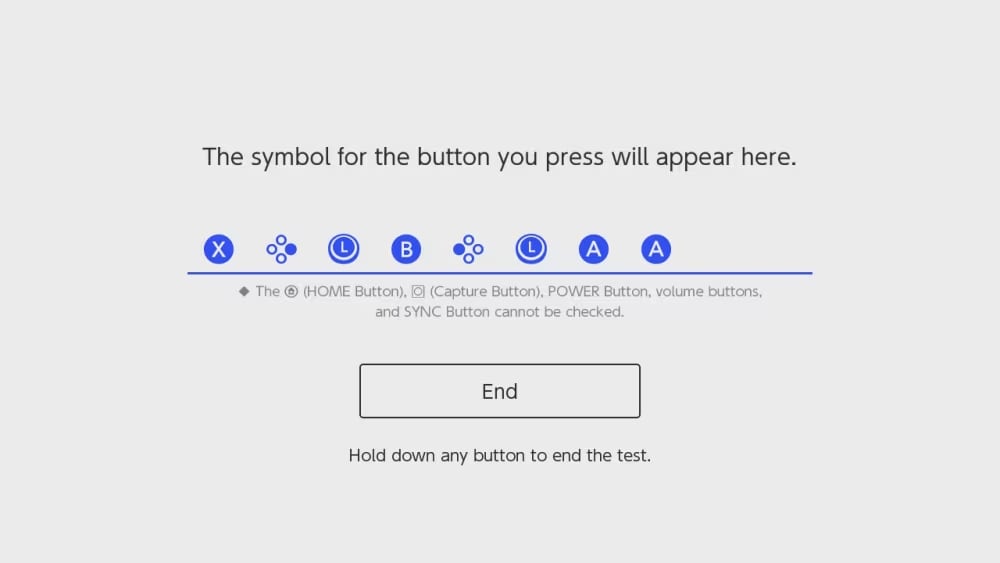
Press the button or control stick on the controller you wish to test.
Important: The following buttons do not include an input test on the system:
HOME Button
Capture Button
POWER Button
Volume Buttons
SYNC Button
In addition to allowing for analog input, the control sticks can also function as buttons for compatible software.
An icon for the button or control stick that was pressed will be displayed on the screen.
Press and hold down any button or control stick to end the test.