How to Create a Mii
Description:
Instructions for creating or adding a Mii character for the Nintendo Switch console.
Additional Information:
Up to 100 Mii characters can be stored on a single Nintendo Switch console.
Complete These Steps:
From the HOME Menu, select “System Settings”.
Scroll down the options on the left and select “Mii”, then “Create/Edit a Mii”.
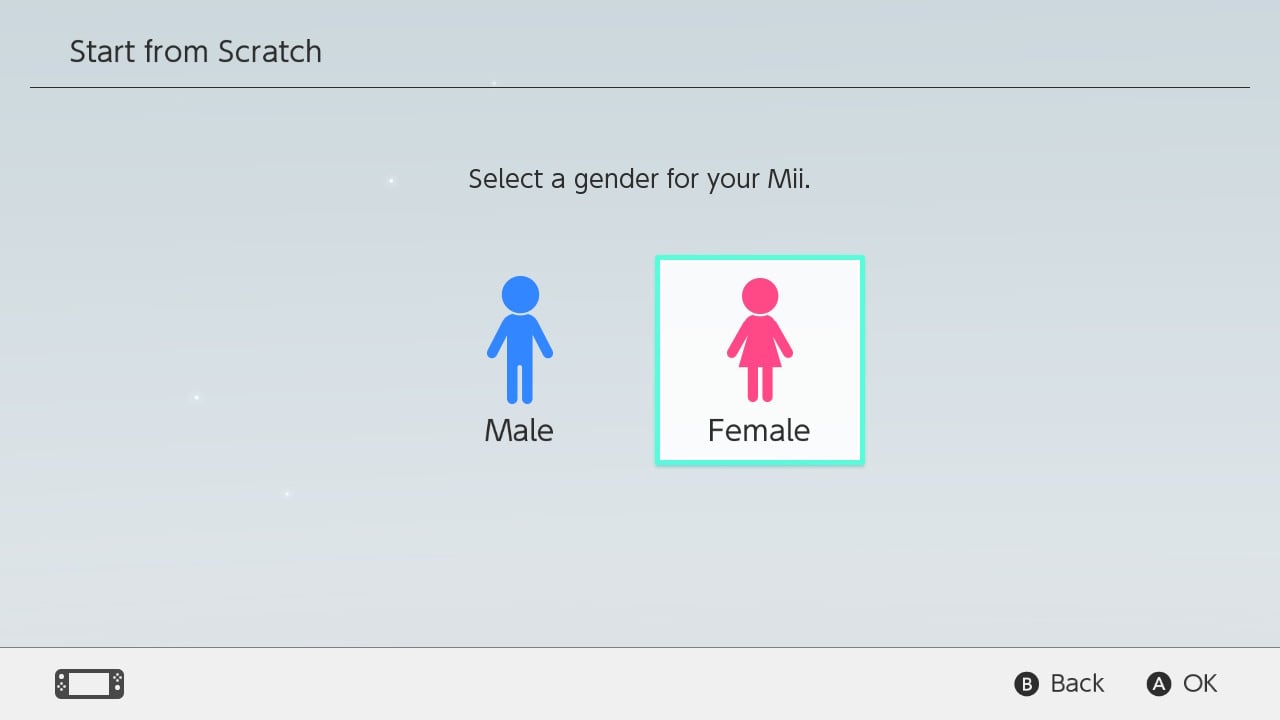
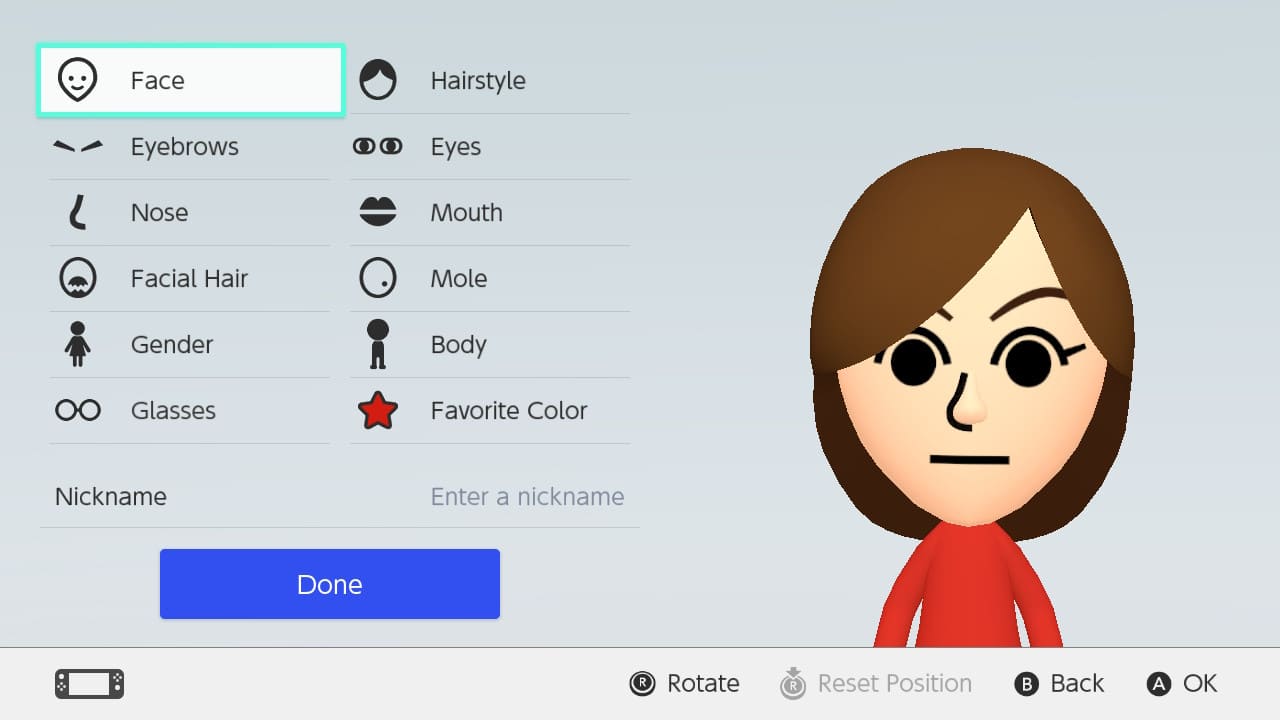
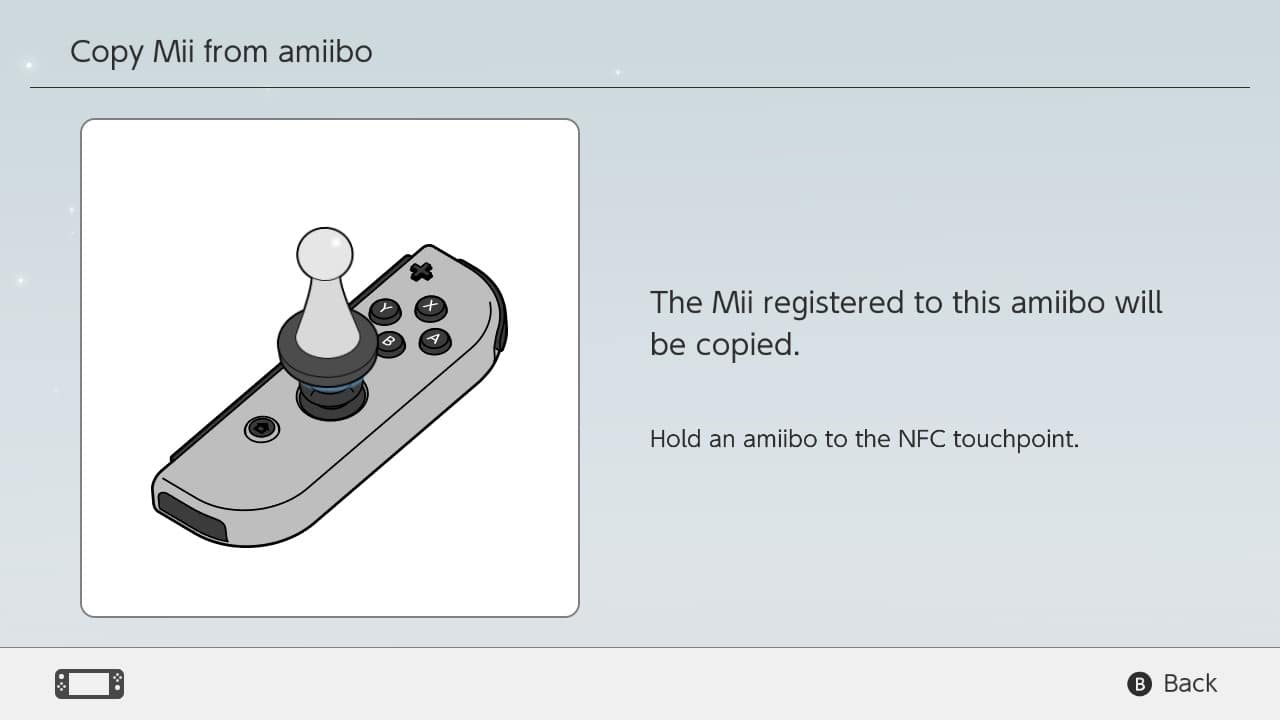
Select “Create New Mii” and choose from one of the following options: