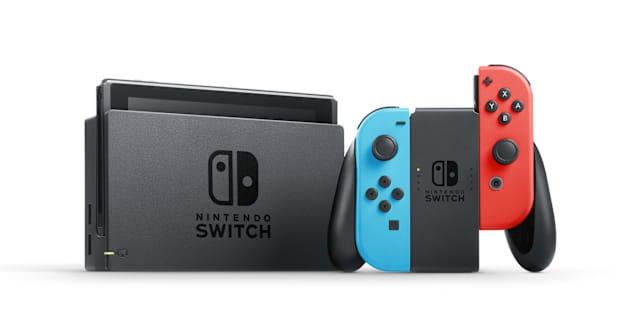
How to Check Available Space on Nintendo Switch
Instructions for viewing the available space on the System Memory or microSD card for the Nintendo Switch console.
Complete These Steps:
From the HOME Menu select “System Settings,” then scroll down the menu on the left-hand side and select “Data Management.”
The available space for the System Memory and microSD card (if available), will be displayed on the top of the screen.